Walkthrough · 23 November 2026

The Soul Map in the True Nature brand

Nine screens of the Soul Map, restyled to the True Nature brand brief: teal night by default, cream paper by day, one thread of gold.

These are screenshots of the app running locally with a sample profile, at phone width. The wording and logic are the app's own and were not changed. The long report screens scroll inside their frames.

IStart

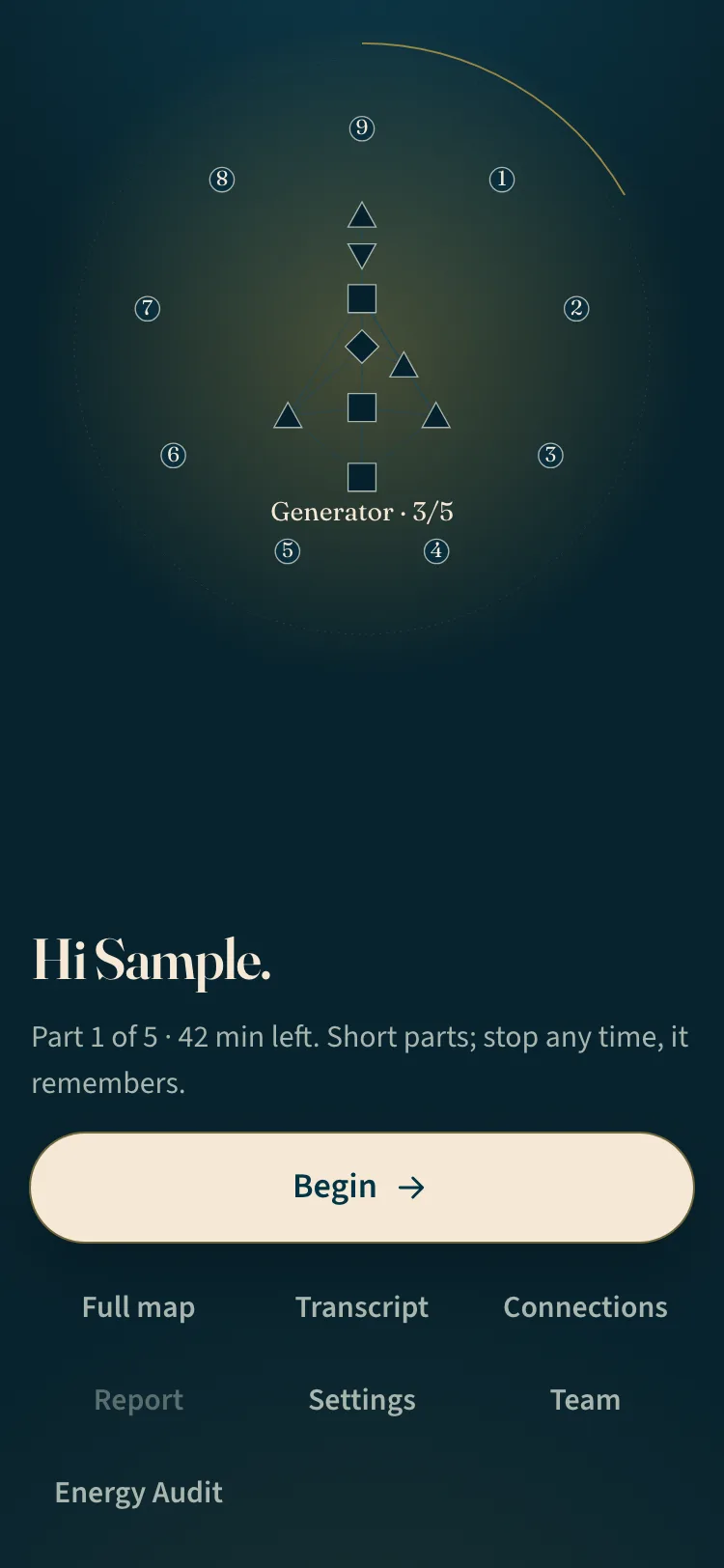
Onboarding opens with the gold root-tree. The home screen keeps the map as its only image.
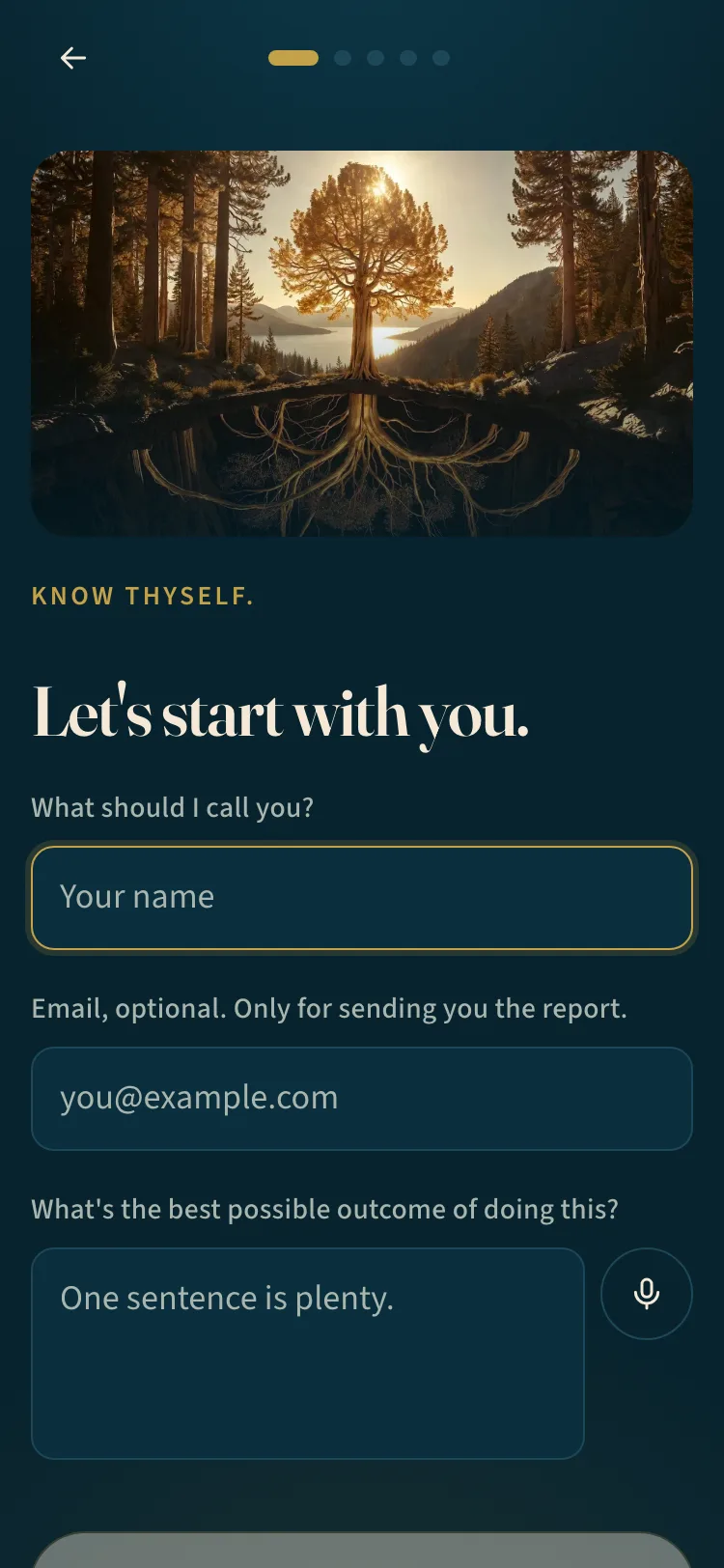
Onboarding screen: a gold tree with visible roots above the name, email and intention fields
Onboarding · night
Home screen: the map above a greeting and a cream Begin button
Home · night

IIThe interview and the map

Working screens stay clean: no imagery behind questions. Gold marks progress and selection.
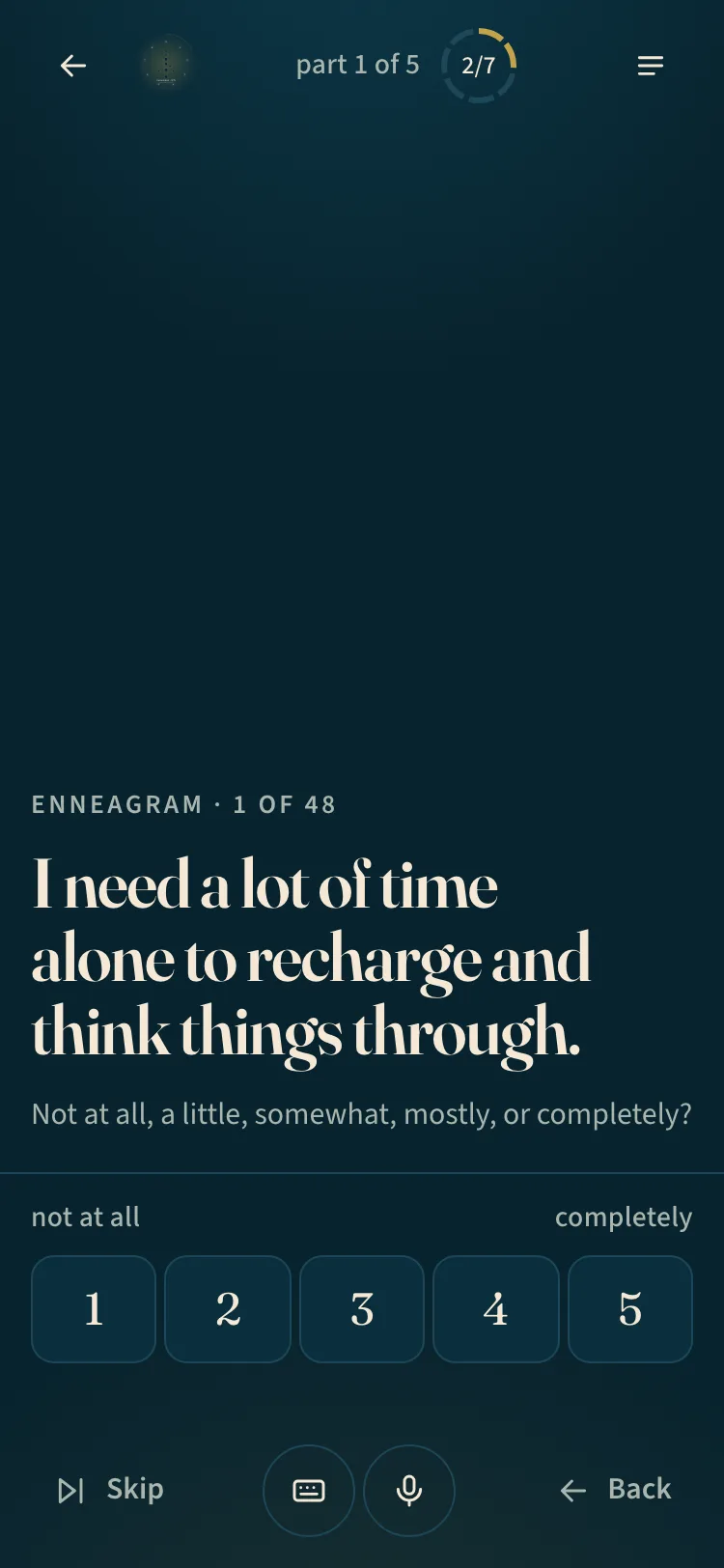
Interview screen: a question in serif type above a five-point scale
Interview · night
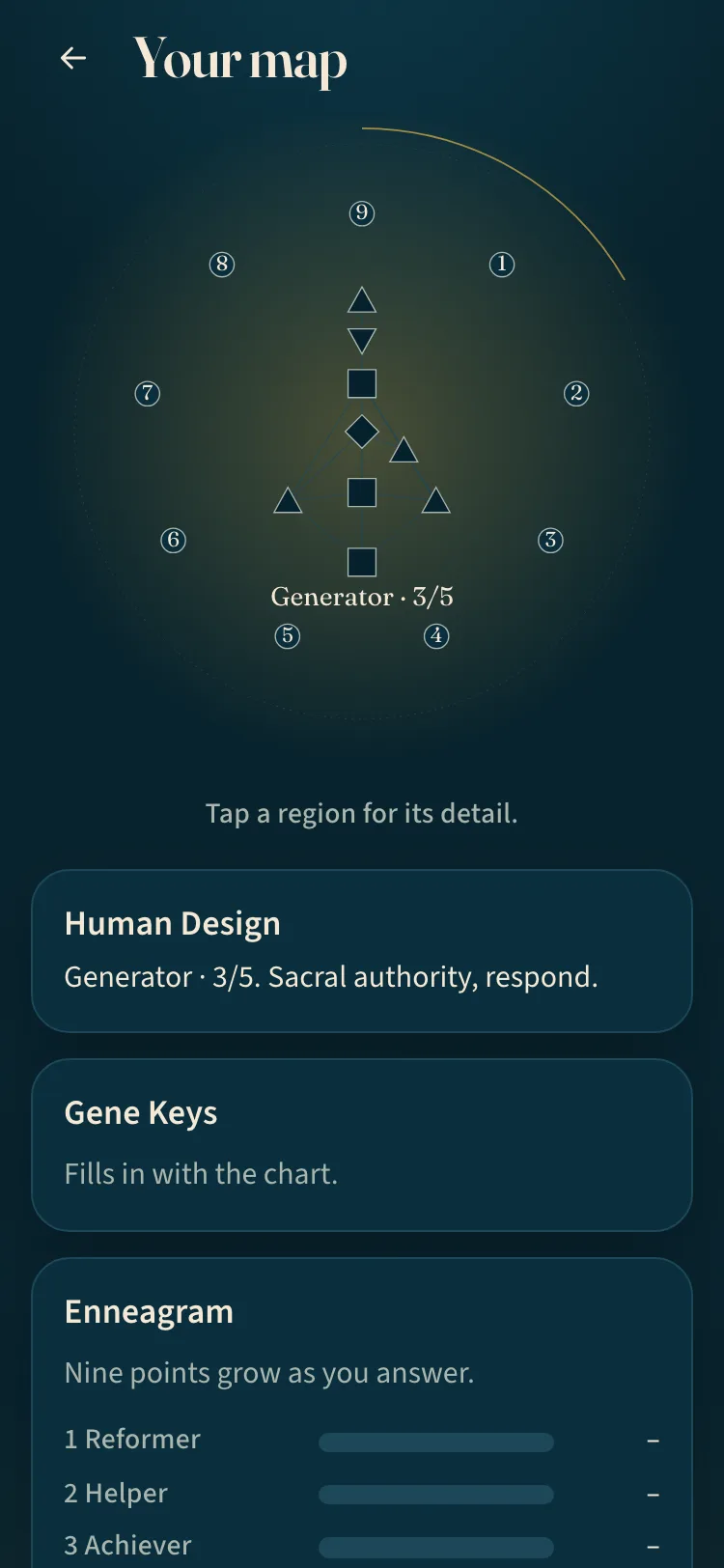
Map screen: the map drawing with a soft gold glow and a detail card
Map · night

IIIThe report

A gold-hour lake opens the page. The share card is always night, with one ember spiral. The page ends on the Sacred Delta mark and its thread.


Report in night mode: lake image, share card, report text with gold rules, and the delta mark at the end
Report · night · scrolls
Report in day mode on cream paper with deep teal buttons
Report · day · scrolls

IVSoul file

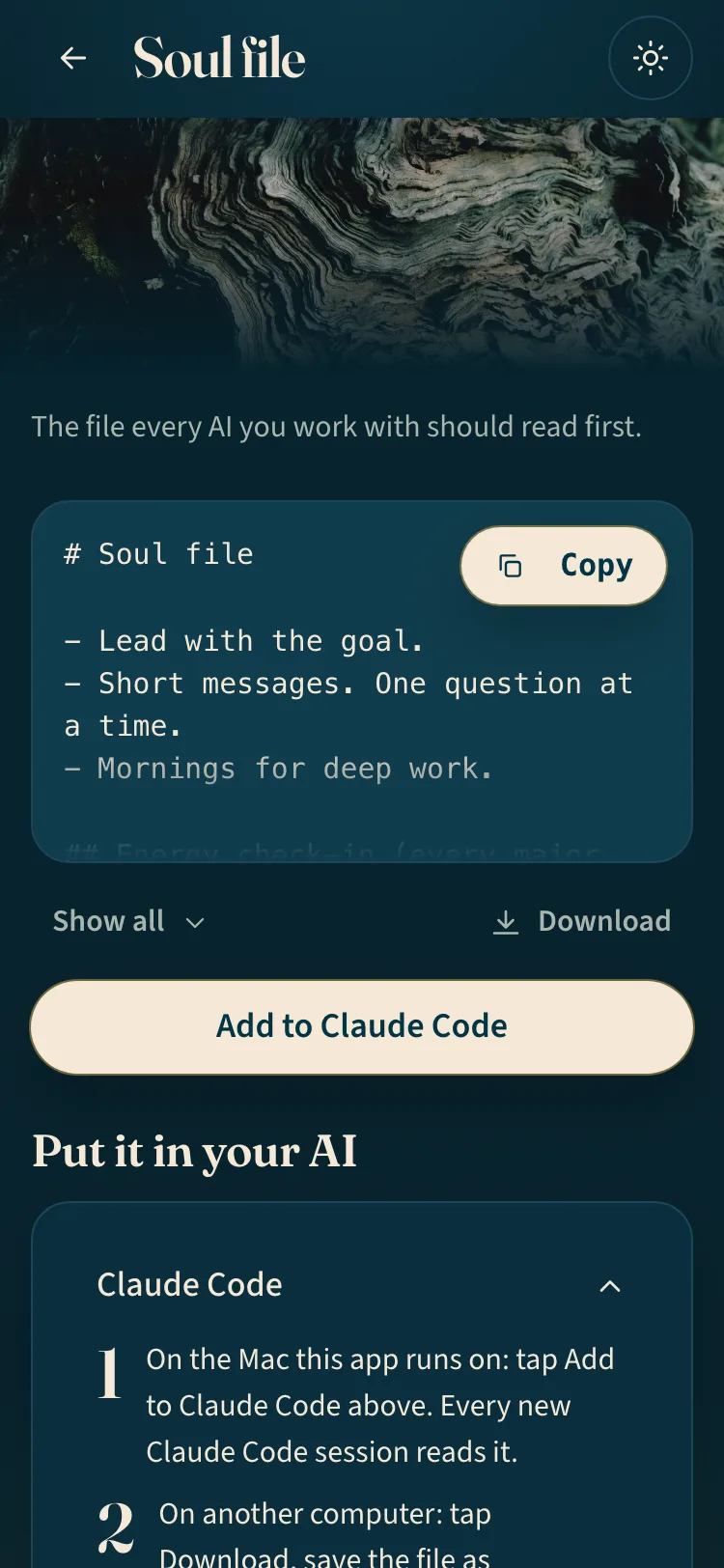
Soul file screen in night mode with a wood grain band
Soul file · night
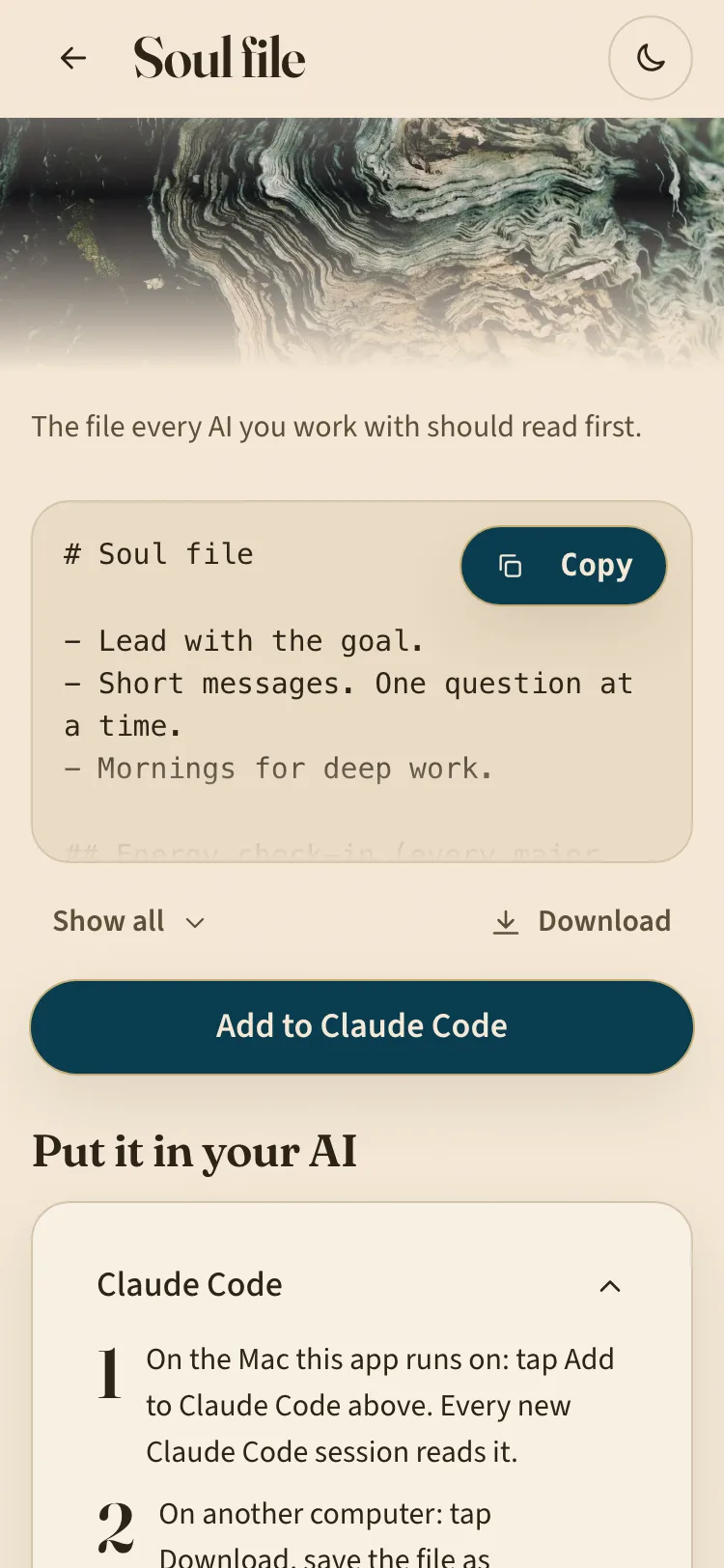
Soul file screen in day mode
Soul file · day

VEnergy

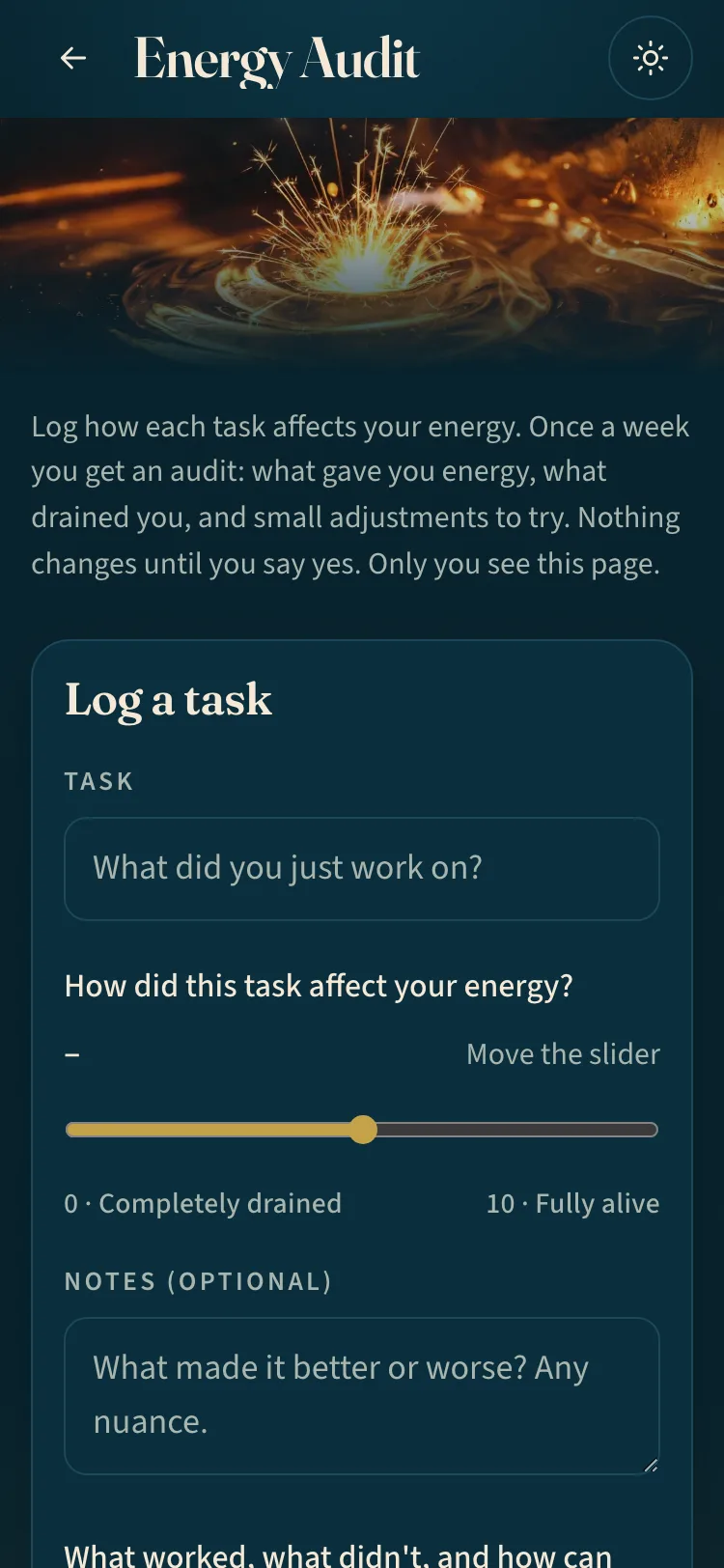
A spark for aliveness.

Energy Audit screen in night mode with a spark landing on water
Energy · night
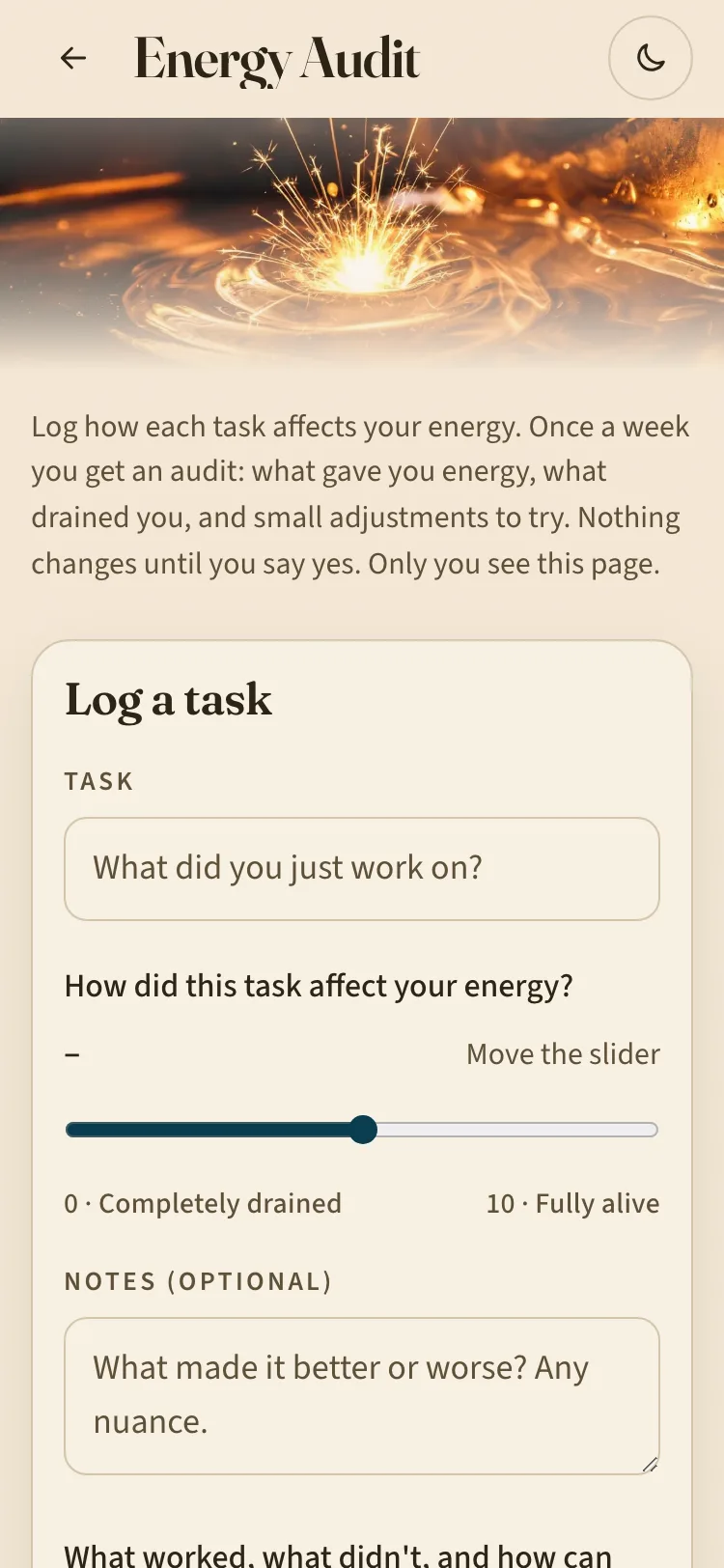
Energy Audit screen in day mode
Energy · day

VIConnections and team

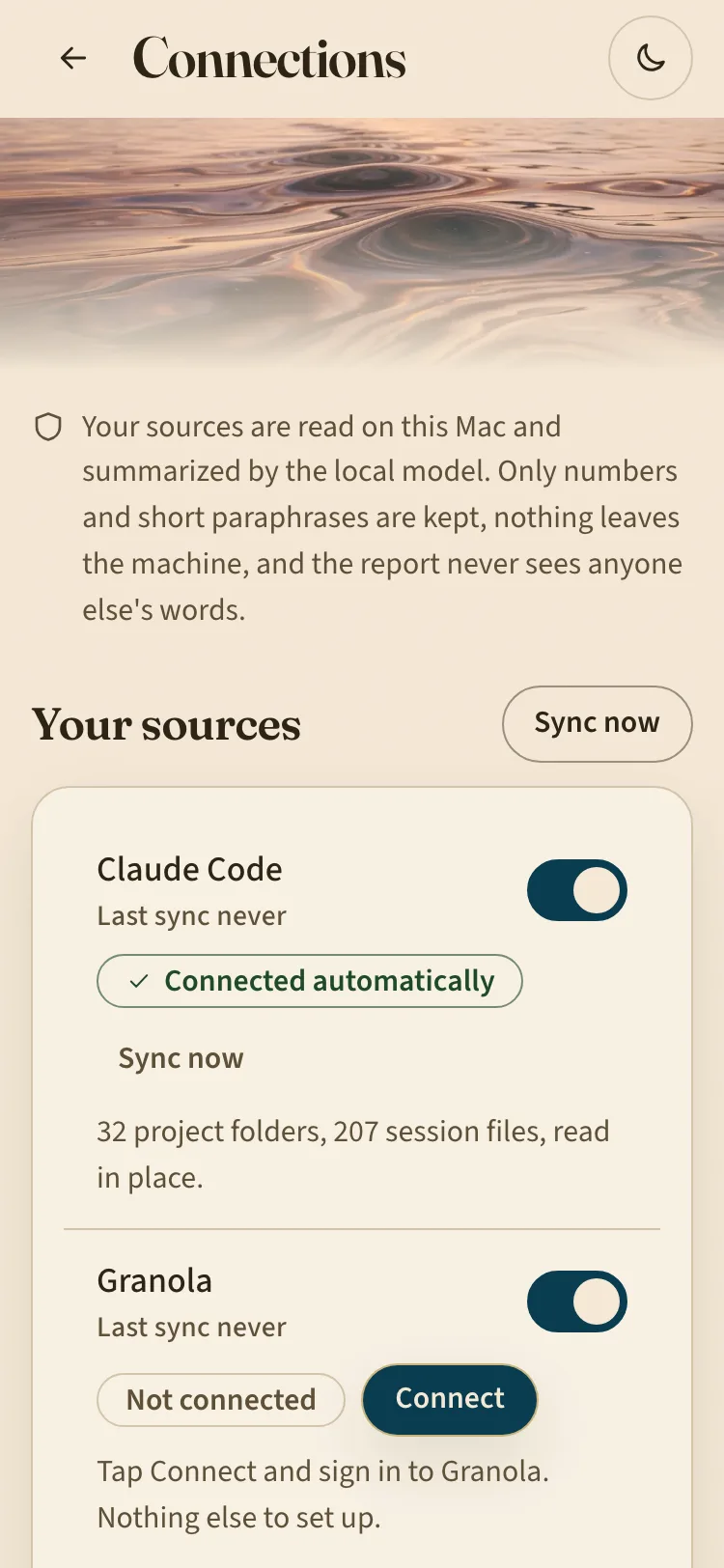
Ripples for presence and what is near you.
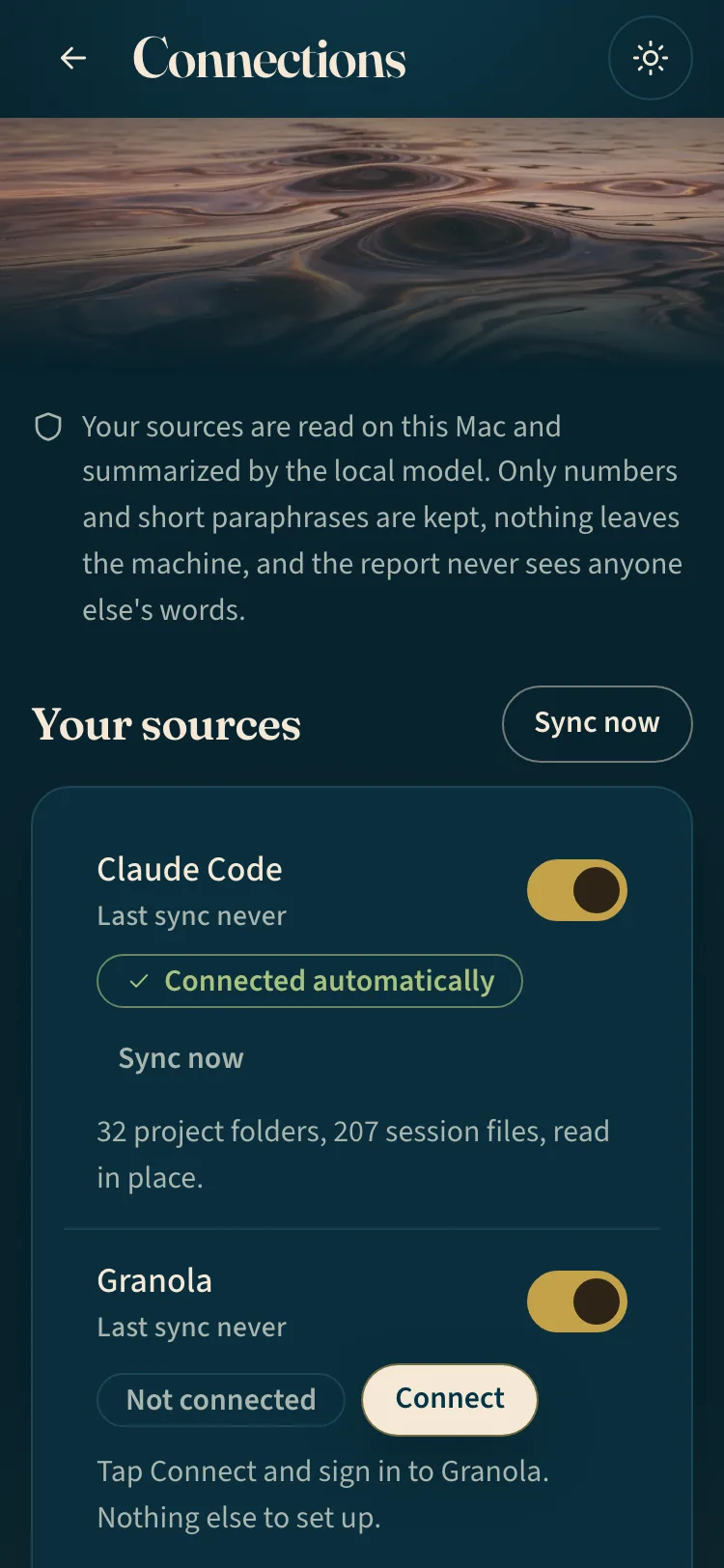
Connections screen in night mode with ripples at dusk
Connections · night
Connections screen in day mode
Connections · day
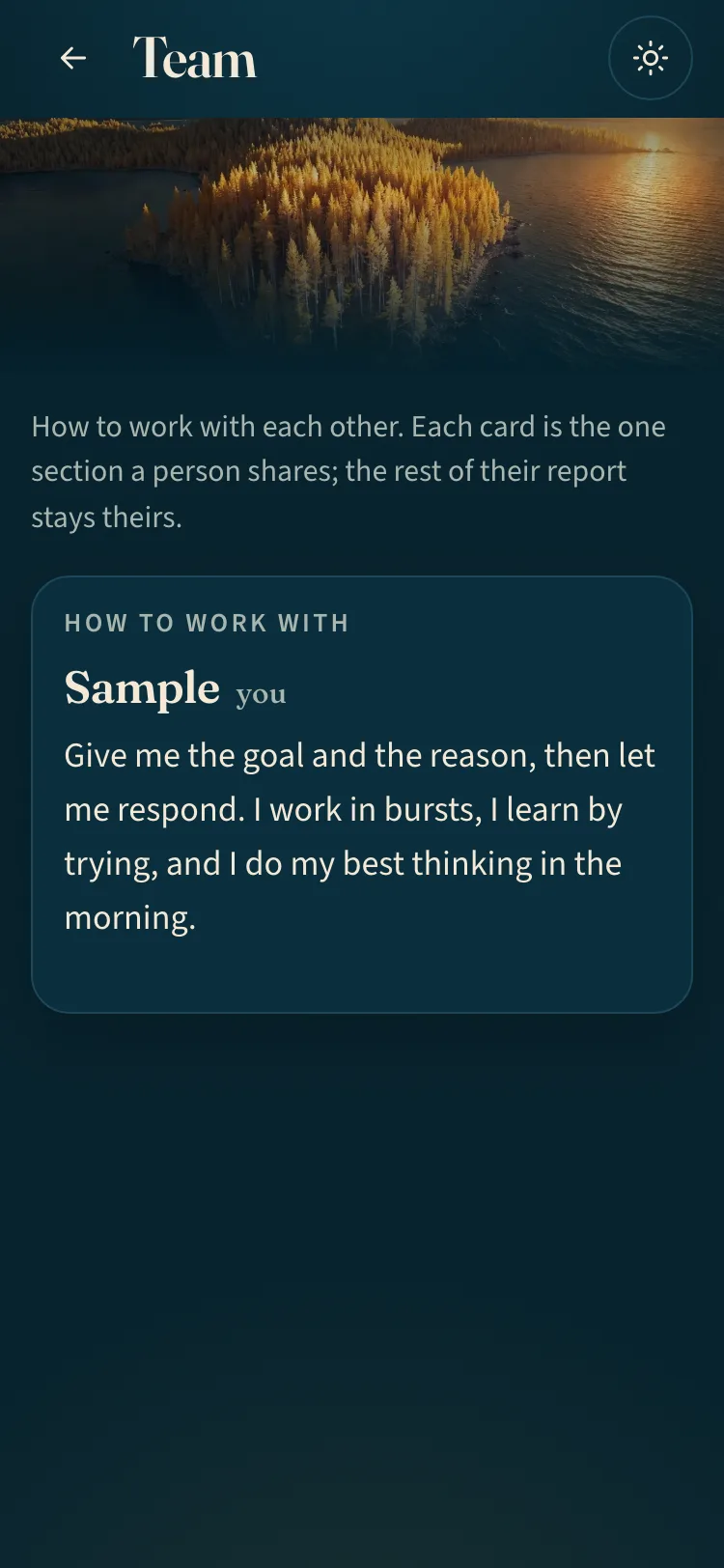
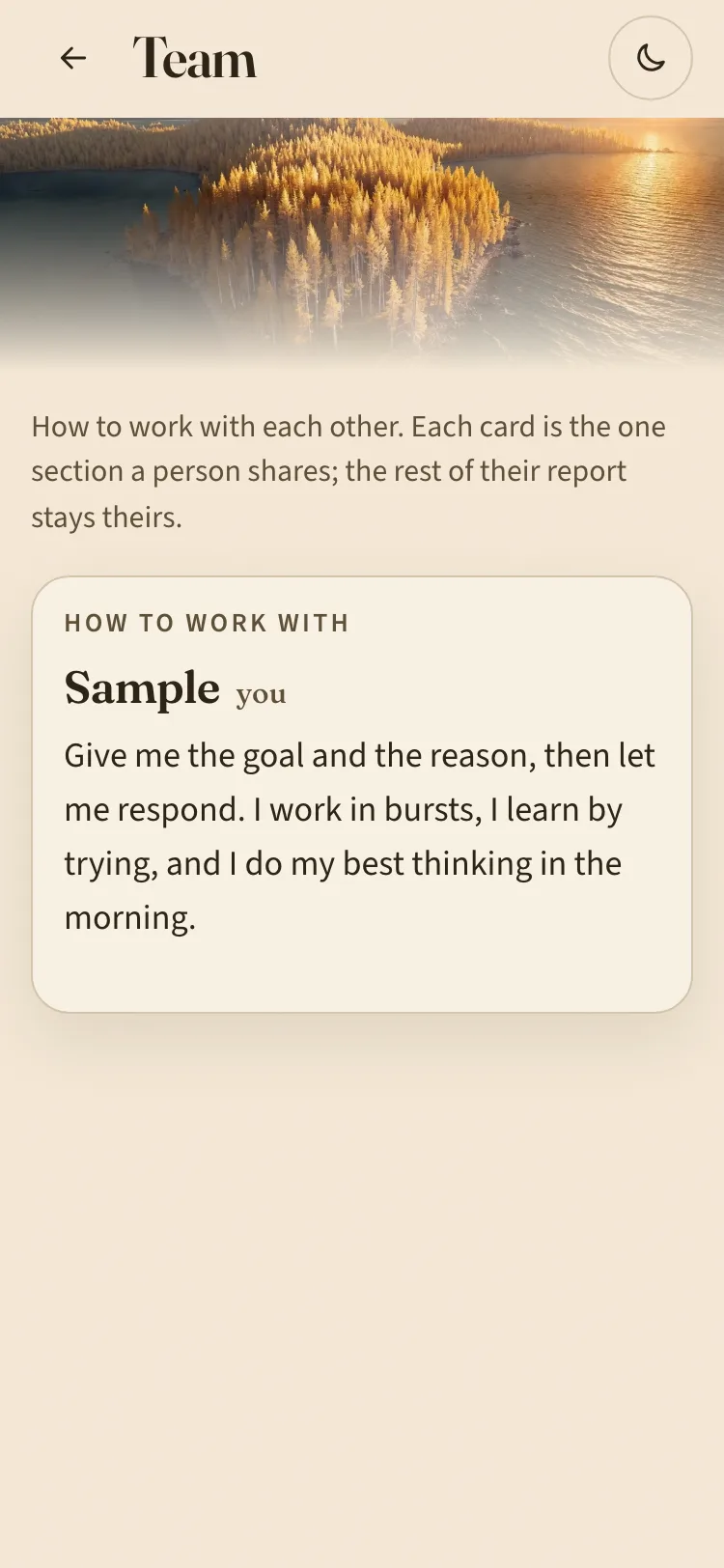
Team screen in night mode with a gold forest island
Team · night
Team screen in day mode
Team · day